
Ask whether a VPN can do anything about an IP ban and you will get confident answers in both directions, usually from people describing completely different situations. Both camps are partly right, because a VPN genuinely changes one important thing — the address a website sees — while leaving several other ways of recognising you completely untouched. So, does vpn stop ip bans? Only the narrow slice of a ban that is applied purely to your address, and only some of the time. This article stays on that single question: what a VPN alters, what it cannot alter, and why a brand-new address sometimes gets refused before you have done anything at all.
What a VPN Changes: The Address Websites See
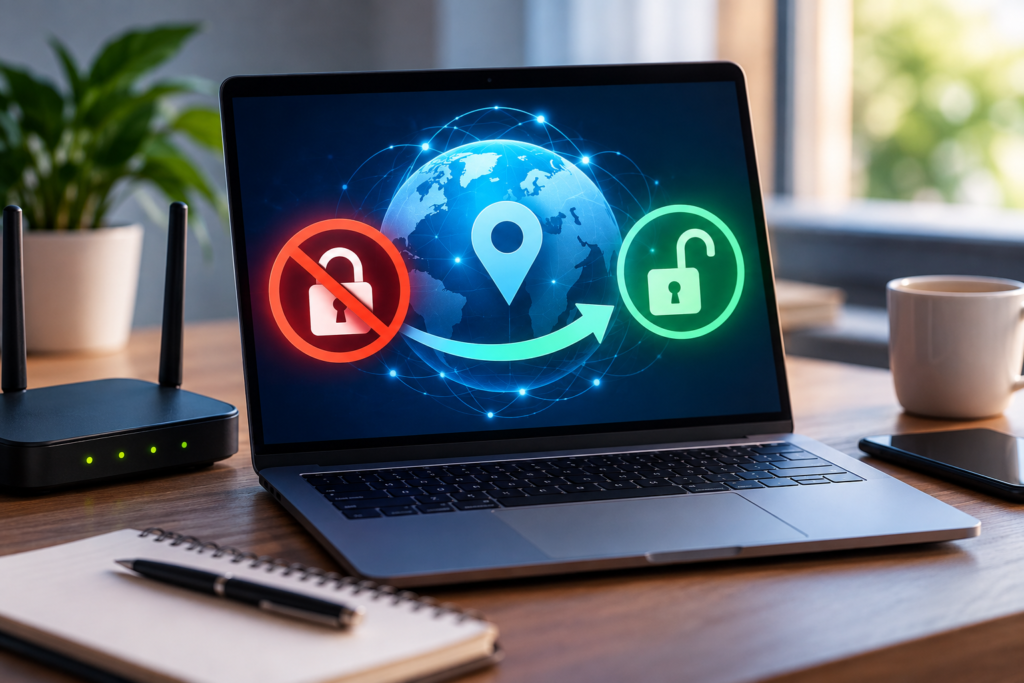
A VPN reroutes your connection through a server run by the VPN provider. Your traffic reaches websites from that server, so the address recorded on the other end is the server’s, not the one your internet provider assigned to your home connection. To a website’s deny list — which matches addresses, nothing more — you arrive wearing a different number.
That is the whole of the mechanism, and for one specific kind of block it is enough. If a service has banned your household address and identifies visitors by address alone, a connection arriving from an unbanned VPN server is, as far as that check goes, a different visitor. The encryption a VPN adds is real and valuable for privacy on untrusted networks, but it plays no part here: bans are lifted or not based on the address presented, not on whether the traffic was encrypted on its way.
It helps to be equally clear about the limits of that trick. The VPN server’s address is not yours, not new, and not secret. It belongs to a published commercial range, it is shared with every other customer connected to the same server, and thousands of websites keep lists of exactly those ranges. You have swapped a banned address for a borrowed one — and borrowed addresses come with their own history.
What a VPN Leaves Exactly as It Was
Modern platforms rarely identify people by address alone, precisely because addresses are so easy to change. Everything below survives a VPN connection untouched, and each item is a way a ban can continue to apply to you personally even though your address is now different.
Account bans travel with the account
If the penalty was applied to your account — your username, your registered email, your player profile — then signing in announces exactly who you are, from any address on earth. The IP part of such a ban is often just a supporting measure. A VPN changes the road you arrive by; the account ban is waiting at the door with your name on it, and no change of route removes your name.
Cookies and stored sessions remember you
Websites recognise returning browsers through cookies and similar storage long before they consider the connection’s address. If you connect through a VPN using the same browser profile you used before the ban, the site may read its own cookie, restore the association with your earlier activity, and treat the “new” visitor as the old one wearing a false moustache. This is also why a banned user sometimes finds a service works in a fresh browser but not their usual one — the address was never the only identifier in play.
Device and browser fingerprinting
Beyond cookies, a browser discloses a long list of quiet details: screen size, installed fonts, graphics hardware quirks, language and timezone settings, and dozens of configuration values. Combined, they form a fingerprint that is often distinctive enough to recognise a returning device across address changes. A standard VPN alters none of it. Your fingerprint arrives identical to the one the platform may already have associated with the ban, which is one of the least understood reasons a “new” connection gets flagged within minutes.
Behaviour is a signature too
Timing, habits, and patterns carry over as well. The same account names, the same posting style, the same sequence of actions performed at the same speed — automated systems score behaviour, not just identifiers. A connection that behaves exactly like a recently banned one can inherit suspicion regardless of the address it arrives from.
Why a Fresh VPN Address Sometimes Gets Flagged Anyway
New users of a VPN are often baffled to find a service refusing them instantly, before they have done anything that could merit a block. There are three ordinary explanations, none of which involve you personally.
Shared exits carry shared reputations. A popular VPN server might route thousands of customers through a handful of addresses. If some of those customers abused a website — spamming, scraping, attacking accounts — the site may have banned the shared address itself. You inherit the consequences of strangers’ behaviour the moment you connect, in the same way a household inherits a previous tenant’s banned address.
Volume looks like automation. When one address produces the traffic of five hundred people, it resembles a botnet far more than a person. Rate limits tuned for a single household fire constantly against VPN exits, so captchas, throttling, and soft blocks are part of daily life on busy servers even where no formal ban exists.
The range itself is on a list. Many platforms subscribe to data feeds that catalogue VPN and datacenter address ranges wholesale. Being detected as “a VPN address” can be enough for reduced access — extra verification, blocked sign-ups, refused streaming catalogues — without any individual judgement about you at all. Our explainer on how long IP bans last and how the different kinds work covers the timetables behind those lists in more depth.
Blocked Before You Start: Pre-Emptive VPN Range Bans
Some services do not wait for abuse from a VPN range; they exclude the ranges in advance. Financial services, ticket sellers, and streaming platforms are the usual examples, and their reasoning is practical rather than personal: fraud screening, licensing regions, and one-per-customer offers all depend on knowing roughly where a connection really comes from, and a VPN deliberately obscures that.
Pre-emptive blocking has a distinctive feel once you know to look for it. It applies to every customer of the VPN equally, it usually produces a generic error rather than an accusation, and switching to a different server in the same provider often changes nothing because the entire range is excluded, not just one address. It also explains a common confusion: being refused while using a VPN is not evidence that you are banned. Your own address, with the VPN off, may be perfectly welcome — the borrowed one is the problem.
Split Tunneling: When Only Part of Your Traffic Uses the VPN
Many VPN apps offer split tunneling, which lets you choose which programs route through the VPN and which use your ordinary connection. It is a sensible feature for speed and convenience, but it surprises people in ban discussions because it means “the VPN is on” does not necessarily mean “this website is seeing the VPN’s address”.
If the browser sits outside the tunnel, the site sees your real address, ban and all, while another app on the same machine presents the VPN server’s. The reverse mistake happens too: someone troubleshooting a block leaves the browser inside the tunnel and blames the site for a refusal actually caused by a flagged VPN range. Whenever a result seems contradictory, the first thing to establish is which route the traffic in question actually took. Ban behaviour follows the address each individual connection presented — nothing else about your setup matters to the deny list.
So, Does a VPN Stop IP Bans?
Narrowly, sometimes; broadly, no. A VPN reliably changes the address a website sees, so a ban that lives only in an address deny list, on a service that takes no other identifiers, may not apply to a connection arriving from a clean VPN server. Every layer beyond that — the account you sign into, the cookies your browser carries, the fingerprint your device presents, the behaviour systems score — is unaffected, and each is sufficient on its own to keep a ban attached to you. Add that VPN ranges arrive with reputations of their own, sometimes pre-blocked outright, and the honest summary is that a VPN changes one variable in a multi-variable decision.
If the underlying block is on your own address and you want it resolved rather than routed around, the straightforward routes are covered in our walkthrough on unblocking an IP address, including the waiting, restarting, and provider options that apply to household connections.
Frequently Asked Questions
If a VPN gives me a different IP address, why can a site still refuse me?
Because the address is only one identifier among several. The site may recognise your account, a cookie stored in your browser, or your device’s fingerprint, and any of those can carry the ban across the address change. Alternatively, the VPN server’s own address may be blocked in its own right, shared as it is with thousands of other customers.
Can a platform keep my account banned even though it cannot see my real address?
Yes, easily. Account bans are attached to the account itself, and the moment you sign in, the platform knows exactly which account has arrived, whatever address the connection came from. A VPN affects the network layer; it does nothing to an identity you voluntarily present by logging in.
What is browser fingerprinting, and why does a VPN not change it?
A fingerprint is the combination of details your browser and device disclose — screen dimensions, fonts, graphics and audio characteristics, language, timezone, and many configuration values. Together they can single out a device with surprising accuracy. A VPN reroutes traffic but alters none of those disclosed details, so the fingerprint arrives unchanged.
Why are some VPN server addresses blocked before I have done anything?
Because the address is shared and the range is known. Other customers may have abused the service from that exit, the sheer volume from one address can resemble automated traffic, and many platforms block published VPN ranges in advance for fraud, licensing, or fairness reasons. The block is about the borrowed address and its history, not about you.
Does split tunneling affect whether a ban applies to me?
It can, because split tunneling decides connection by connection which address is presented. Traffic routed outside the tunnel shows sites your real address, so an address ban applies to it in full; traffic inside the tunnel shows the VPN server’s address instead. Mixed setups are a common cause of confusing, inconsistent results.
Conclusion
A VPN is an address-changing tool, and IP bans are only partly about addresses. It can carry your connection past a deny list that knows nothing about you except a number — provided the borrowed number is itself welcome. It cannot detach a ban from your account, your cookies, your fingerprint, or your behaviour, and it sometimes trades a personal block for a collective one aimed at the VPN range itself. Understanding that division is the difference between using a VPN with clear expectations and being surprised when the refusal follows you to a new address.