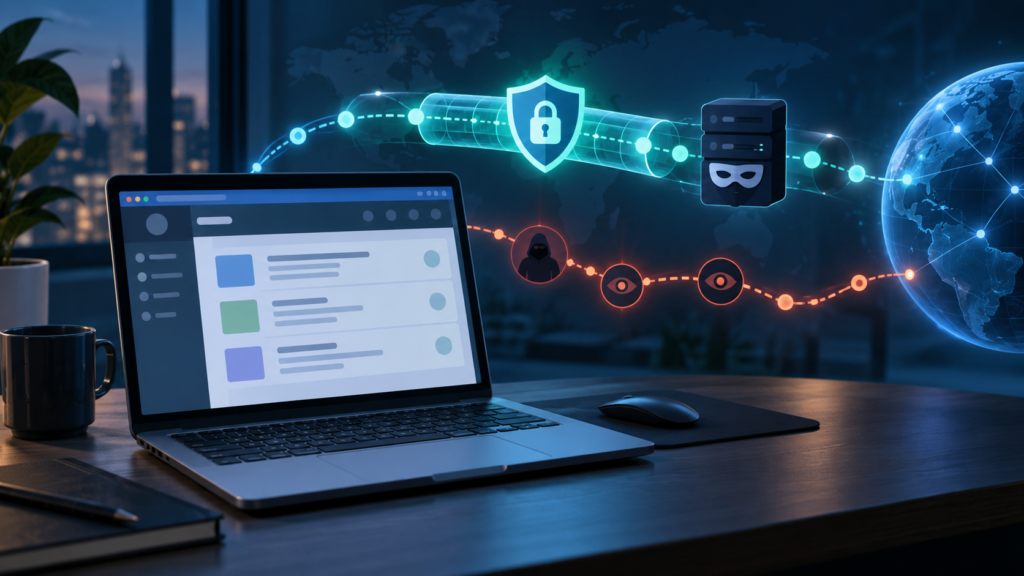
People often treat a VPN as an entry ticket: no VPN, no access. Technically, that is not how the connection works. A mirror or proxy page is just a website, and if your network can reach it, your browser can open it with no VPN involved. The real question behind can i access 1337x proxy without a vpn is not whether the page loads — it is what that unmasked connection looks like from the outside. Who can see the visit, what exactly they can see, and what risks sit at the connection level when nothing is masking your traffic? This article stays on that technical ground. For the broader question of whether using such sites is safe in general, see our dedicated guide on whether 1337x is safe — here we only examine the connection itself.
What “Without a VPN” Actually Changes
A VPN does two things to a connection: it encrypts the traffic between your device and the VPN server, and it makes websites see the server’s address instead of yours. Remove the VPN and both of those disappear. Your browser connects to the site along the ordinary path — device, router, internet provider, then the site’s server — and it arrives carrying your connection’s own public IP address.
Nothing about the page itself changes. The site loads the same way, your browser renders the same content, and any account you sign into behaves identically. What changes is purely observational: which parties sit along the path, and how much of the journey each one can watch. Understanding an unmasked visit means walking that path and being precise about what each observer can and cannot see.
What Your Internet Provider Can See
Your ISP is the first and most significant observer of an unmasked connection, because every request you make travels through its equipment. Its visibility is real but specific — it is a view of connections, not a screen recording of your browsing.
The destinations you connect to
Your provider can see which servers your connection reaches: the domain names involved and the addresses behind them, along with when the connections happened and how long they lasted. If you open a proxy page without a VPN, the fact that your connection visited that domain is visible at this level. The provider does not need to guess — routing your traffic to the right place is literally its job.
DNS lookups
Before your browser can load any page, it asks a DNS service to translate the site’s name into a network address. On most home connections that DNS service belongs to the ISP, which means the lookup itself is visible to the provider even before the page loads. Encrypted DNS options exist in modern browsers and operating systems and can move that lookup elsewhere, but on a default setup you should assume your provider sees the names you look up.
Timing and volume, not page content
Where a modern site uses an encrypted connection, the provider generally cannot read the specific pages you open, the searches you type, or the text on your screen — that content travels protected between your browser and the site. What remains visible is the envelope around it: which site, at what time, for how long, and roughly how much data moved. For many people that metadata is the actual exposure in an unmasked visit, and it is worth being clear-eyed about it rather than imagining either total surveillance or total invisibility.
What the Website Itself Can See
The second observer is the site at the other end, and an unmasked connection gives it a direct, unfiltered relationship with your browser.
Your public IP address arrives with every request — that is how the server knows where to send the page back. Alongside it, your browser volunteers its standard technical introduction: browser name and version, operating system, screen size, language, and similar details used to format pages correctly. If the site offers accounts and you sign in, everything you do under that account is naturally tied to it, VPN or not.
There is one more observer unique to proxy and mirror sites: the operator of that particular domain. A mirror is run by whoever controls that server, and your requests pass through their hands with your real address attached. On an ordinary website you at least know whose service you are using; on an unofficial mirror, the party receiving your connection details may be effectively anonymous to you while you are fully identified to them. That asymmetry is a connection-level fact of unmasked mirror access, separate from any judgement about the content.
What Is Not Exposed
Precision cuts both ways, so it is equally useful to list what an unmasked visit does not reveal. Other people on your street cannot see your traffic. The website cannot see your other open tabs, your files, or what you do on unrelated sites. Your provider cannot read the content of properly encrypted sessions, as described above, and nobody along the path learns passwords you type into a correctly secured login page — they are protected in transit, though whether the site at the end deserves them is a separate question covered in our dedicated safety guide.
Private browsing mode belongs in this section too, because its limits are widely misunderstood: it changes what your own browser remembers afterwards, and nothing about what the network can see during the visit. We explain that distinction fully in our article on what incognito mode does.
Connection-Level Risks of an Unmasked Visit
With the visibility map in place, the concrete risks of skipping the VPN are narrower than the vague warnings usually suggest — but they are specific.
Your visit is attributable to your connection. A visit made without any masking is tied to the public address your household or workplace was using at that moment, and connection records at the provider level can associate that address with a subscriber account. Whether that matters to you is a personal judgement; that it is technically the case is not.
Network-level interference reaches you directly. On restrictive networks — an office, a school, a filtered home router — an unmasked request meets the filter as-is, so blocks, warning pages, and logged attempts all happen in plain view of whoever runs that network. Nothing in a plain connection softens or disguises the request.
Shared and public networks add local observers. On café, hotel, or campus Wi-Fi, the network operator occupies the same observational position as an ISP for traffic crossing their equipment. An unmasked visit on such a network is visible to that operator’s logs in the same destination-and-timing sense described earlier.
The mirror operator sees the unfiltered you. As noted above, whoever runs the mirror receives your real address and full request details. A masked connection would at least have interposed another party; an unmasked one hands the operator everything directly, including how often you return.
A Short Safety Checklist for Unmasked Access
If you do open such a page without a VPN, these connection-focused habits are the ones that matter:
- Assume the visit is visible and logged at provider and network level, and only proceed if you are comfortable with that.
- Never sign in or type personal details into a mirror — an unmasked visit plus your real identity removes every layer at once.
- Keep the browser’s security warnings on and treat any certificate or unsafe-site warning as a stop sign, not an obstacle.
- Close the page rather than fight redirects — repeated forced redirects on an unmasked connection expose you to every hop in the chain.
- Download nothing impulsively; files arriving over a connection you already know is unobserved-by-no-one deserve extra scrutiny before opening, and system antivirus should be current.
- Use a separate browser profile for unfamiliar sites if you browse them at all, so cookies and saved data from your everyday browsing stay out of the session.
Frequently Asked Questions
Can my internet provider see the exact pages I open without a VPN?
On a site using an encrypted connection, generally no — the provider sees the site you connected to, when, and roughly how much data moved, but not the individual pages or search terms inside the session. On an unencrypted connection, far more of the traffic is readable in transit, which is one reason the distinction matters.
Does the site know my real IP address if I visit without a VPN?
Yes. Your public IP address accompanies every request so the server knows where to send the response. Without a VPN or similar tool masking it, the address the site records is your connection’s own address at that moment.
If I share my home connection, can others in the house see my visit?
Not automatically. Other people using the same Wi-Fi cannot simply watch your browsing from their devices. The connection is, however, registered to one subscriber account, and whoever controls the router may have access to connection logs depending on the equipment and settings.
Does unmasked access change how the site itself behaves?
No. The site loads, searches, and responds exactly the same way. The difference is entirely in what observers along the path can see and record, not in the content or features you receive.
Is my visit still visible if I use the browser’s private mode?
Yes. Private mode only limits what your own browser stores locally after the session ends. Your provider, your network operator, and the website all see the connection in the same way as a normal visit.
Conclusion
Accessing a proxy page without a VPN is usually technically possible — the interesting part is what that choice reveals. Your provider can see the destination, the timing, and the volume; the site and its operator receive your real address and your browser’s full introduction; and on managed or public networks, a local operator shares that view. What stays hidden is the content inside encrypted sessions and everything beyond the connection itself. Treat an unmasked visit as a visit made in the open, apply the checklist above, and the decision about whether to proceed becomes an informed one rather than a guess.