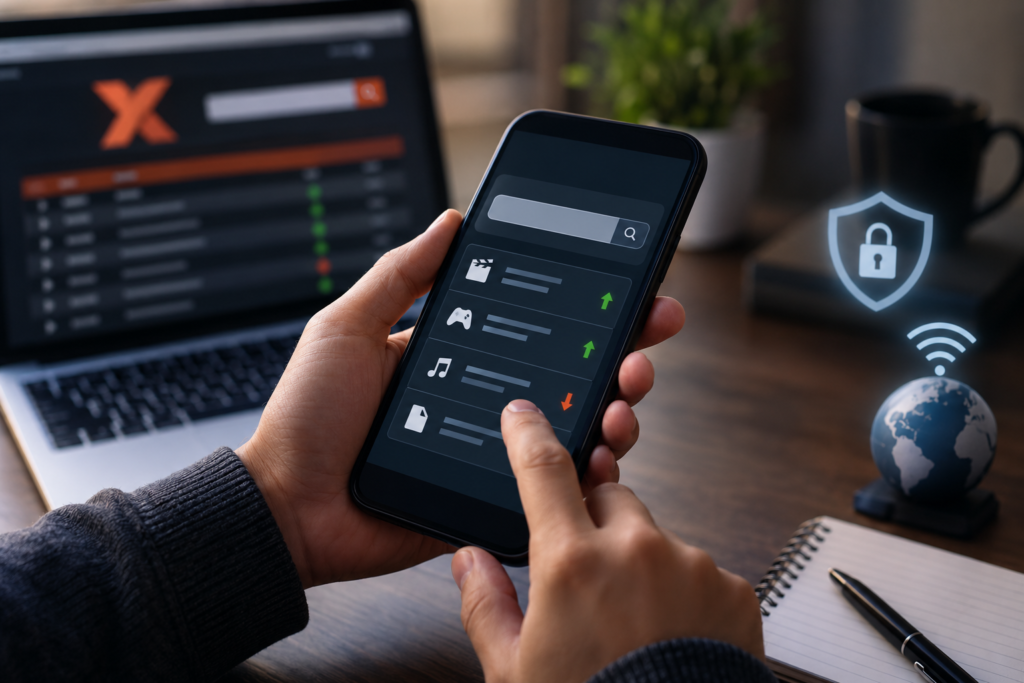
A phone is the computer most people actually have in their hand when a link comes up, so the practical version of the question is rarely about desktops at all: does 1337x proxy work on mobile devices, or does something about a phone change the answer? The site itself is just webpages, which modern phone browsers load without trouble. The mobile-specific differences live elsewhere — in how phone browsers handle pages built for wide screens, how mobile data behaves compared with Wi-Fi, what happens when a page expects a separate app to take over, and how much of your data allowance an ad-heavy page can chew through. This article covers only those mobile questions. For the general safety picture around these sites, see our guide on whether 1337x is safe; here, everything is about the device in your pocket.
The Short Answer for Phones and Tablets
Yes, in the narrow technical sense: if a proxy or mirror page is reachable on your network, a current phone or tablet browser can open and display it much as a desktop browser would. Nothing about the page requires a mouse, a large monitor, or a desktop operating system just to appear on screen.
The qualifications are all about experience rather than possibility. A page that loads can still be awkward to use on a six-inch screen, a link that works on desktop can lead nowhere on a phone if it expects helper software you do not have, and the same page can behave differently on your mobile data connection than it does on your home Wi-Fi.
How Mobile Browsers Handle These Pages
Chrome on Android, Safari on iPhone and iPad, and the other mainstream mobile browsers all render ordinary websites — it is the same web throughout. What differs is how a particular site was designed.
Pages built for desktop, squeezed onto a phone
Well-built sites detect the small screen and rearrange themselves: text grows to a readable size, menus collapse into a single button, and columns stack vertically. Many unofficial mirror pages were never given that treatment. On a phone they arrive as the full desktop layout shrunk to fit, which means pinching to zoom, sideways scrolling, and links packed too closely together to tap reliably. The page technically works; your patience is what gets tested.
Small screens change the advertising problem
On a desktop, an advertisement usually sits in an obvious frame at the edge of the content. On a phone, an ad can cover the entire screen, and an overlay’s close button can be tiny, delayed, or placed exactly where your thumb expects the real link to be. Taps that would be harmless misclicks on a desktop can, on mobile, open a new tab or an app store page instead. This is the biggest practical difference of mobile browsing on such sites — a design issue, not a fault with your phone.
Browser features that differ from desktop
Mobile browsers block pop-ups by default and are stricter about pages that try to open new windows uninvited, which stops some multi-step page flows that limp along on desktop. Extensions and add-ons, where desktop users rely on them, are limited or absent in most mobile browsers. And if a page depends on a plug-in or an external program to complete an action, a phone has no equivalent waiting in the background — the tap just fails, often with no explanation.
Mobile Data vs Wi-Fi: What Changes
The same phone, the same browser, and the same page can give you two different results depending on which connection you are using, because the page’s availability is decided by the network, not the device.
On home Wi-Fi, your phone is simply another device on your household connection, behind your router and your home provider’s policies. If the page loads on your laptop over that connection, it will normally load on your phone too. On mobile data, you are on your carrier’s network instead, with its own filtering, its own DNS, and sometimes its own content policies — so a page that fails at home can work on data, and the reverse happens just as often. Neither result tells you anything is wrong with your phone; the two connections are genuinely different doors, and one being locked says nothing about the other.
Roaming and travel add one more variation: a connection that behaves one way on your home carrier may behave differently abroad. If the page suddenly stops loading after you cross a border, the phone is the last place to look for the cause. Our explainer on whether 1337x is down can help you tell a site-wide problem apart from a local one.
The App Question: Browser or App?
Search results and social posts sometimes point mobile users toward an “app” for sites like this, so the distinction is worth making plainly: a proxy or mirror website does not need an app to be viewed. The browser is the app. Anything you can see on such a page, you see through the browser you already have.
What an app-shaped prompt usually means in practice is one of three things. It may be an advertisement dressed up as a system message, pushing an unrelated download. It may be an unofficial wrapper — someone else’s software repackaging the same website — which inserts another unknown party between you and the page. Or the page may contain links of a type that are meant to be handed off to separate software on the device; when that software is not installed, the tap appears to do nothing, which is a common source of the mistaken conclusion that “the site doesn’t work on mobile.”
The safe rule is simple: a webpage that insists you install something before showing ordinary content is asking for more trust than it has earned. Decline and close the tab.
Data Usage: What Browsing Actually Costs
Desktop users rarely think about page weight; mobile data users should. A clean, text-based page costs almost nothing — a fraction of a megabyte. Unofficial mirror pages are seldom clean. Advertising scripts, autoplaying media, pop-under pages loaded in the background, and repeated redirects all consume data, and a single messy session can quietly spend tens of megabytes on content that was never on your screen by choice.
Two habits keep this in check. First, watch for runaway tabs: a stack of background tabs spawned by redirects keeps loading in the background, so closing everything when you leave is a data habit as much as a tidiness one. Second, if you are on a capped plan, prefer Wi-Fi for any extended browsing session on ad-heavy sites. Your phone’s settings show per-app data usage for the browser, which makes any expensive habit easy to spot.
Mobile-Specific Safety Points
Most advice about unfamiliar websites applies everywhere, but a few points are specific to phones and worth their own list:
- Never install a profile, configuration file, or app a webpage offers you. On mobile, these are the highest-risk downloads of all — they can change device settings or install software outside the normal app-store checks.
- Refuse notification permission requests from unfamiliar sites. On a phone, granted notifications become a channel for spam and fake warnings delivered straight to your lock screen.
- Treat vibration, countdowns, and “your device is damaged” pages as theatre. Phones make these tricks feel urgent; they are advertisements, not system messages, and the correct response is closing the tab.
- Mind what the keyboard is for. Never enter passwords, card details, or personal information into a mirror page — on mobile it is easy to type into a lookalike page without noticing which site actually has focus.
- Keep the phone and browser updated. Mobile operating system and browser updates carry the security fixes that matter most for hostile webpages, and they install quietly if you let them.
The broader safety discussion — who runs these mirrors, what they can collect, and how to judge a site overall — lives in our main safety guide, and it applies to phones exactly as written there.
Frequently Asked Questions
Why does the page look tiny and hard to use on my phone?
Because many mirror pages were designed only for desktop screens and never given a mobile layout. Your browser shrinks the full-width design to fit, so text and links become very small. If links are too crowded to tap reliably, that is a design limitation of the page, not a fault with your device.
The site works on my phone at home but not when I am out. Why?
Almost certainly the network, not the phone. At home you are on your Wi-Fi and your home provider’s policies; out of the house you are on your mobile carrier’s network, which filters and resolves addresses differently. The same page can legitimately be reachable on one connection and unreachable on the other.
Do I need to install an app to open these pages on mobile?
No. A website opens in your browser, which is already on your phone. Pages that claim an install is required are usually running an advertisement or pushing unrelated software. If a particular link does nothing when tapped, it likely expects separate software to handle it — that is a limitation of the link, not a reason to install whatever the page suggests.
How much mobile data does browsing a mirror page use?
The readable content itself is tiny — usually well under a megabyte. The real cost is everything loaded around it: advertising scripts, autoplay media, and redirect chains can multiply that many times over in a single session. On a capped plan, browsing such pages on Wi-Fi instead of mobile data is the easy saving.
Can I use a tablet the same way as a phone?
Yes. Tablets run the same mobile browsers and handle these pages identically; the larger screen simply makes desktop-designed layouts more comfortable to read and tap. Everything else in this article — networks, data use, app prompts, and safety points — applies to tablets unchanged.
Conclusion
On the device question alone, the answer is reassuringly ordinary: phones and tablets open these pages through their normal browsers, no special app required. The mobile wrinkles are practical ones — desktop layouts squeezed onto small screens, advertisements that fight your thumb, different behaviour on mobile data versus Wi-Fi, links that expect software your phone does not have, and data quietly spent on content you never asked to load. Know those five things, apply the mobile safety points, and the same site stops behaving like a mystery.