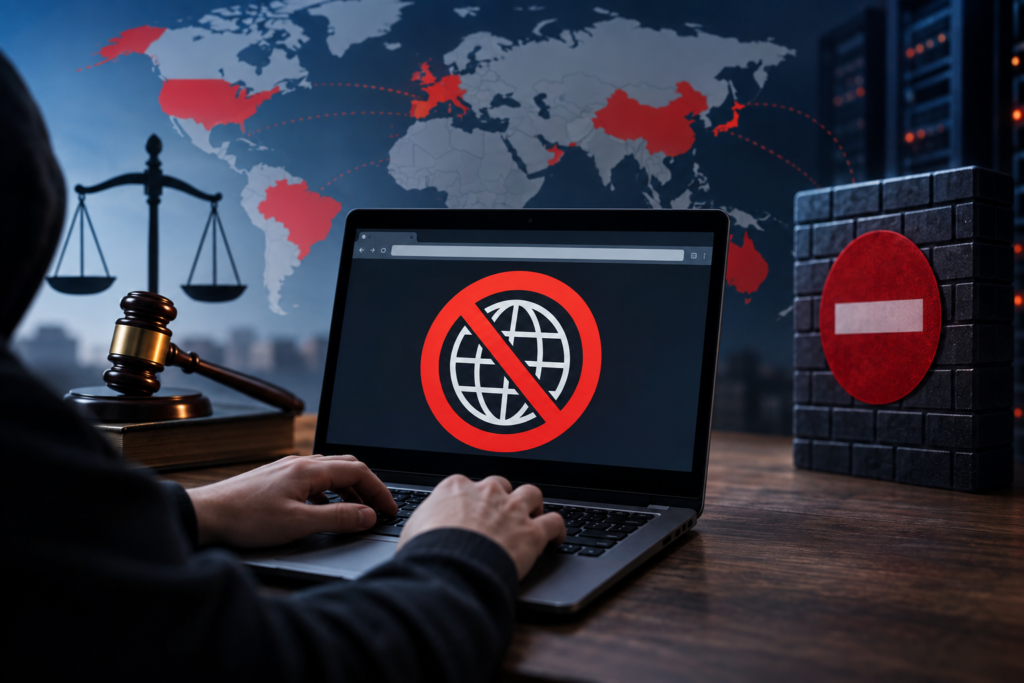
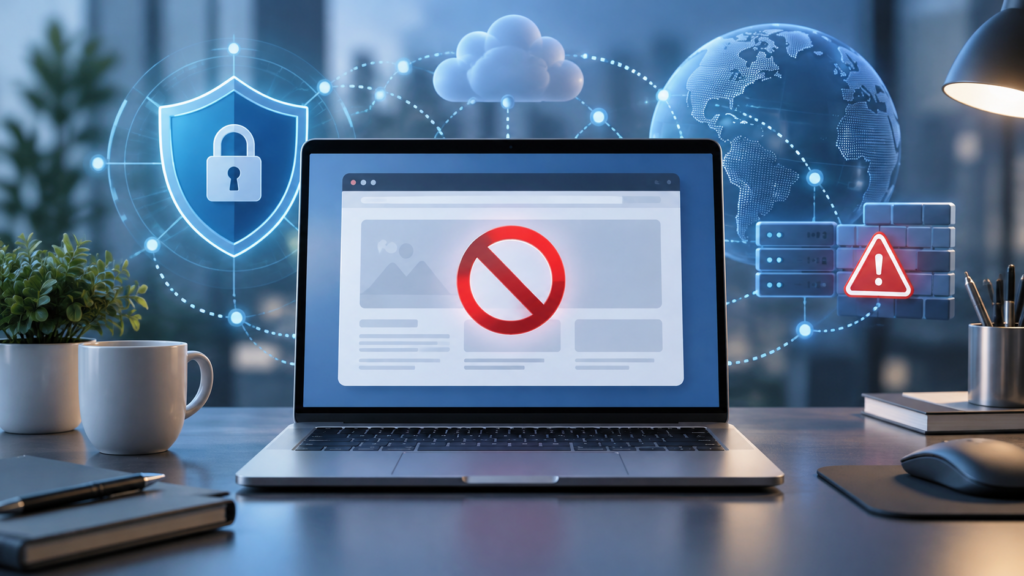
If you are trying to visit 1337x and suddenly see an access-denied message, you might wonder, What does the 1337x error code 1006 mean? This error generally indicates that the website’s security system has blocked the IP address associated with your internet connection. Instead of loading the requested page, the website displays an error message that prevents you from continuing.
Although this problem can be frustrating, understanding its cause makes troubleshooting easier. Error 1006 is commonly associated with Cloudflare, a service websites use for security and traffic protection. In this guide, you will learn why the error appears, how to identify its possible causes, what troubleshooting steps are worth trying, and how to protect your privacy while browsing.
What Does the 1337x Error Code 1006 Mean?
The 1337x error code 1006 usually means that access to the website has been denied because your public IP address is blocked. When a website uses Cloudflare security services, its administrator can establish rules that restrict certain IP addresses from accessing the site. If your connection matches a blocking rule, Cloudflare may display an error 1006 message instead of the requested content.
An important detail is that error 1006 does not automatically mean you have done anything wrong. Sometimes, a shared IP address, a previous user’s activity, or a restrictive security configuration can affect legitimate visitors. The error identifies an access restriction, but it does not reveal the exact reason the website owner applied it.
Why Does 1337x Show Error Code 1006?
There are several possible explanations for this error, depending on the website’s security configuration and your connection. Website administrators use security controls to limit unwanted automated traffic, reduce suspicious requests, and prevent certain connections from reaching their services. These restrictions can sometimes affect ordinary users.
For example, if multiple people share one public IP address and some traffic from that address has been flagged, other users on the same connection might encounter problems. However, without access to the website’s security records, it is not possible to determine the exact reason for an individual 1337x block.
IP Address Restrictions
An IP address is a network identifier that websites can use to recognize where incoming requests originate. When a website blocks a particular public IP address, devices using that address may be unable to access the website even when their browsers are working correctly.
This can become especially confusing on shared networks, including public Wi-Fi and some internet service provider connections. Several people may appear to a website under the same public IP address. Consequently, a restriction associated with that address can affect someone who was not responsible for the activity that led to the block.
Website Security Rules
Websites can create security rules designed to filter unwanted connections. These rules may be based on network information, specific IP addresses, or other security conditions. When a visitor’s connection matches a configured restriction, the website can deny access before the requested page loads.
Security measures help websites manage unwanted traffic, but they are not always perfect. A legitimate connection might match a rule that was intended to restrict problematic requests. Only the website administrator can confirm which security setting is responsible for a particular Cloudflare error 1006.
VPN or Proxy Connections
A VPN or proxy can change the public IP address that a website sees when you connect. If the address supplied by the VPN or proxy is already restricted by the website, you may encounter error 1006 even though your regular internet connection works normally.
This does not mean every VPN or proxy causes the error. The problem depends on whether the specific IP address is restricted. If you encounter the message while using one of these services, comparing the result with your normal connection can help identify whether the service is involved.
How to Fix the 1337x Error Code 1006
If you want to understand how to fix the 1337x error code 1006, begin by identifying whether the issue relates to your browser, your network, or a website-level restriction. Because Cloudflare error 1006 represents an IP address ban, ordinary browser troubleshooting cannot directly remove the website owner’s security rule.
However, a few simple checks can help you diagnose the situation and avoid unnecessary changes to your device. The following methods focus on identifying the cause, improving your connection, and determining when further action needs to come from the website administrator.
Check Your Internet Connection
First, confirm that your internet connection is functioning properly. Open a few familiar, reputable websites and check whether they load without problems. If several unrelated websites fail, you may be experiencing a broader connectivity issue rather than a restriction specific to 1337x.
Restarting your router can sometimes resolve ordinary connection problems. However, it is not a guaranteed fix for error 1006 because restarting equipment does not necessarily change your public IP address or remove a website-level ban.
Test Another Browser
Try opening the website in a different browser to help determine whether the problem is related to your browser environment. For example, if you normally use Chrome, you could compare the result with Firefox or another updated browser.
If the same Cloudflare error 1006 appears across different browsers on the same network, that supports the possibility of a connection-level restriction. However, because the error concerns your IP address, changing browsers alone should not be expected to solve the problem.
Clear Browser Cache and Cookies
Your browser saves temporary website files and cookies to make future visits more convenient. Occasionally, outdated information can cause pages to behave unexpectedly, so clearing website-specific data is a reasonable general troubleshooting step.
Remember that deleting cache and cookies does not remove an IP address ban imposed by Cloudflare. It may help resolve unrelated loading or session problems, but the underlying access restriction will remain until the website owner changes it or the connection is no longer affected by the rule.
Check Whether Your VPN or Proxy Is Involved
If you are connected through a VPN or proxy, check whether the error also occurs on your ordinary internet connection, where doing so is safe and appropriate. This comparison can help establish whether the issue is associated with the IP address provided by the service.
If one connection receives error 1006 and the other does not, the difference suggests that IP-based restrictions may be involved. Avoid repeatedly switching through unknown proxy services or using untrusted tools that promise to remove the ban, particularly if doing so would expose your browsing activity or personal information.
Contact the Website Administrator
The most direct way to resolve a confirmed Cloudflare error 1006 is to ask the website administrator to review the restriction. Cloudflare’s official guidance states that the website owner must investigate the relevant security settings or allow the affected client IP address.
When legitimate support contact information is available, explain the error and provide the time it occurred, the affected page, and any relevant diagnostic details. Do not send passwords or other sensitive information. The administrator can then decide whether the restriction should be adjusted.
How to Know Whether Error 1006 Is Temporary or Permanent
An error 1006 message does not tell you how long the restriction will last. A website administrator might apply a temporary rule, adjust security settings later, or maintain a restriction indefinitely. The error page itself generally does not provide enough information to identify the intended duration.
If access was previously working, you can check again later without repeatedly refreshing the page. However, waiting alone does not guarantee that the website will become accessible. If the restriction remains, the website owner is the appropriate party to confirm whether it can be reviewed or removed.
Difference Between Error 1006 and Other Cloudflare Errors
Cloudflare displays several error codes, and they do not all indicate the same problem. Understanding these differences can help you avoid troubleshooting the wrong issue. Error 1006 specifically identifies an IP address ban associated with the website’s security configuration.
For comparison, error 1005 relates to an autonomous system number restriction, while error 1009 indicates a country or region-based block. Error 1015 relates to rate limiting, and error 1020 indicates an access denial associated with a security rule. Identifying the exact error code is important because the appropriate response may differ.
Is the 1337x Error Code 1006 Dangerous?
Seeing error 1006 does not automatically mean that your device contains malware or that your personal information has been compromised. The error primarily indicates that a website has refused a connection associated with your IP address. By itself, it is not evidence of a virus, account compromise, or damaged operating system.
However, you should still remain careful when troubleshooting. Avoid downloading programs advertised as instant error 1006 removers, especially from unfamiliar websites. An access restriction generally cannot be repaired by installing random software, and unreliable downloads can introduce genuine security problems.
How to Stay Safe While Troubleshooting 1337x Error 1006
When searching for a solution, you may encounter websites promising working mirrors, special browser extensions, or tools that claim to provide instant access. Treat these claims carefully. Unofficial websites can imitate familiar platforms, display misleading download buttons, or request information that is unnecessary for troubleshooting.
Use an updated browser, keep your operating system secure, and avoid entering passwords or payment information into unfamiliar pages. Because torrent indexes may link to files supplied by third parties, remember that downloading content can carry malware and copyright-related risks. Prefer legitimate, authorized sources for the material you need.
Can You Prevent the 1337x Error Code 1006?
You cannot completely prevent error 1006 because the website administrator controls the relevant access restrictions. Even a properly maintained device and a stable internet connection may encounter a security rule that blocks the public IP address being used.
Nevertheless, normal browsing practices can reduce avoidable complications. Keep your browser updated, avoid unnecessary automated requests, use reputable internet services, and investigate unusual network activity. These practices support safer browsing, although they cannot guarantee unrestricted access to any particular website.
What Should You Do if Error 1006 Keeps Appearing?
When error 1006 repeatedly appears, start by checking whether it affects only one website. If other trusted websites open normally, your overall internet connection is probably functioning, and the restriction may be specific to the requested service.
If the problem continues across browsers and sessions, avoid endlessly repeating the same troubleshooting steps. Instead, record the error details, review your network configuration, and contact the website owner if legitimate support is available. Repeatedly clearing browser data or restarting your device is unlikely to remove a confirmed administrator-controlled IP ban.
Frequently Asked Questions
1. What Does the 1337x Error Code 1006 Mean on My Browser?
The error usually means that the website’s Cloudflare security configuration has blocked the public IP address associated with your connection. As a result, the browser cannot display the requested page.
It does not necessarily indicate that your browser is damaged or infected. The main issue is a website-level access restriction rather than a typical browser malfunction.
2. Can I Fix the 1337x Error Code 1006 Myself?
You can perform basic checks, such as confirming your internet connection, comparing browser results, and determining whether a VPN or proxy is involved. These steps may help identify the cause.
However, if the website administrator has banned your IP address, you cannot directly remove that rule from your device. The website owner must review or modify the restriction.
3. Does Error 1006 Mean My IP Address Is Permanently Banned?
No. Error 1006 confirms an IP-based restriction, but it does not specify whether the restriction is temporary or permanent. Its duration depends on the website’s settings and administrative decisions.
A restriction may eventually change, but there is no guaranteed waiting period. The administrator is the most reliable source of information about a particular ban.
4. Will Clearing Cookies Fix Cloudflare Error 1006?
Clearing cookies may resolve some website session or browser-related problems. It is a useful general troubleshooting step when a page is behaving unexpectedly.
However, error 1006 concerns an IP address restriction. Removing cookies does not normally affect the website’s decision to block that address.
5. Is Error 1006 the Same as Error 1020?
No. Cloudflare error 1006 specifically indicates that the visitor’s IP address has been banned. Error 1020 means access was denied because a request matched a security rule.
Both can prevent you from opening a website, but their underlying security conditions may differ. Checking the exact error code helps determine the appropriate troubleshooting approach.
Conclusion
Understanding what does the 1337x error code 1006 mean can save you from wasting time on ineffective fixes. The error generally indicates that the public IP address associated with your connection has been blocked through Cloudflare security settings. It does not necessarily mean your device is damaged, your browser is broken, or you have done anything suspicious.
The best approach is to check your connection, rule out ordinary browser problems, identify whether a VPN or proxy is involved, and contact the website administrator when appropriate. Most importantly, avoid unsafe downloads and questionable tools claiming to remove the restriction instantly. Knowing what error 1006 actually represents helps you troubleshoot more confidently while keeping your privacy and security in mind.